Parallel agents in Antigravity

Hero image
Hero image

Google Antigravity transforms your regular IDE into an agentic development platform. In my previous blog posts, I showed some of the unique features of Antigravity compared to a regular IDE. In today’s blog post, I’ll talk about what makes Antigravity truly unique: Its ability to spin up and manage multiple agents.

Antigravity modes

Antigravity has two modes: Editor and Agent Manager.

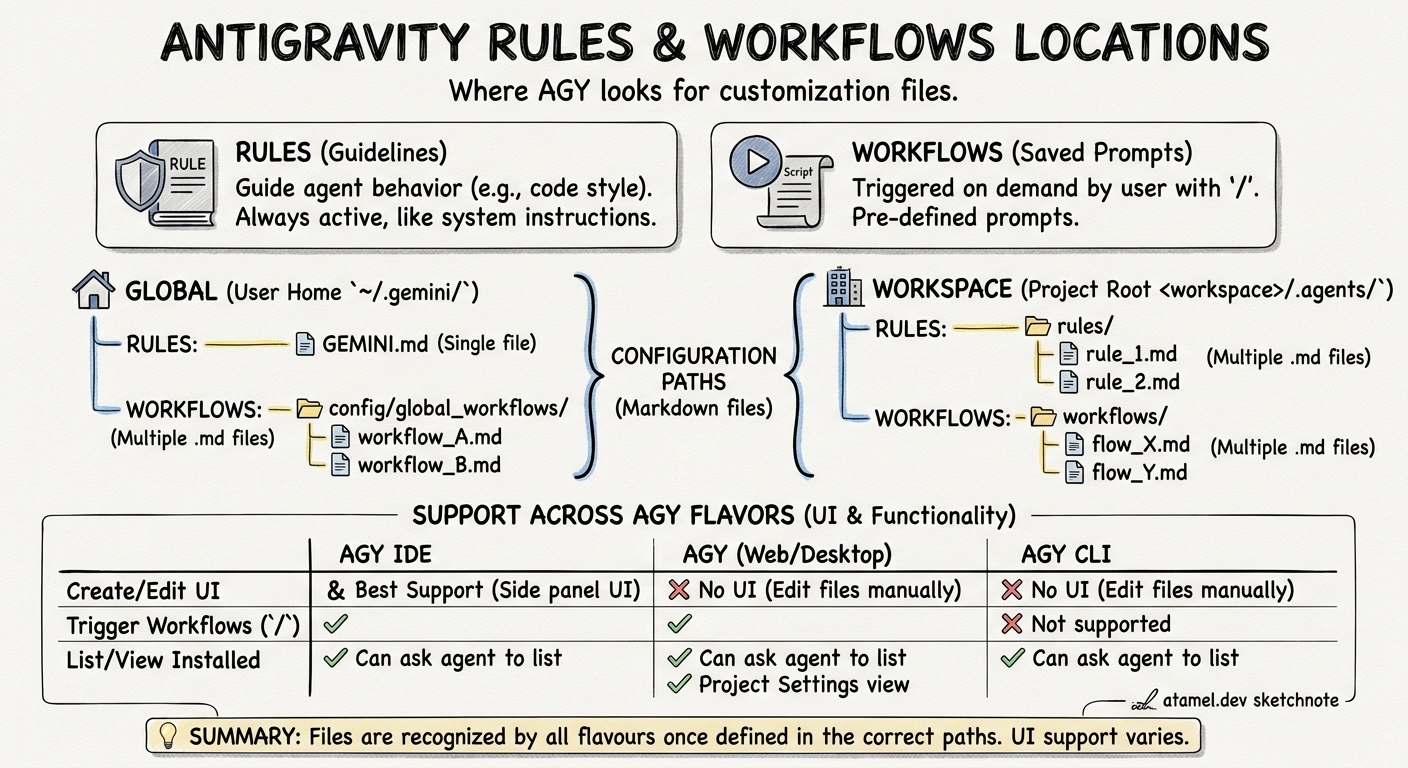
Editor is your familiar IDE with an agent on the side to help you with tasks. You can read more about it in my previous blog post Google Antigravity Editor - Tips & Tricks and learn how to provide feedback to the agent in Provide Feedback to Google Antigravity and how to customize it in Customize Google Antigravity with rules and workflows.

Read More →

Provide Feedback to Google Antigravity

Google Antigravity Provide Feedback

At the heart of Google Antigravity is its ability to effortlessly gather your feedback at every stage of the experience. In this blog post, I will show you all the different ways you can provide feedback to Antigravity.

As the agent works on a task, it creates different artifacts along the way:

  • An implementation plan and a task list (before coding)
  • Code diffs (as it generates code)
  • A walkthrough to verify the results (after coding)

These artifacts are a way for Antigravity to communicate its plans and progress. More importantly, they’re also a way for you to provide feedback to the agent in Google docs style comments. This is very useful to effectively steer the agent in the direction you want.

Read More →

Customize Google Antigravity with rules and workflows

Google Antigravity
Google Antigravity

Google Antigravity was announced last week as the next generation agentic IDE. I’m very impressed with it so far. It already helped me to upgrade my blog to the latest Hugo (that I’ve been putting off for a long time). It even recognized that some of the shortcodes (eg. Twitter) from the old version changed in the new version and automatically updated my blog posts with the new version of the shortcodes. Nice!

Read More →

RAG just got much easier with File Search Tool in Gemini API

File Search Tool
File Search Tool

The Gemini team at Google recently announced the File Search Tool, a fully managed RAG system built directly into the Gemini API as a simple, integrated, and scalable way to ground Gemini. I gave it a try and I’m impressed how easy it is to use to ground Gemini with your own data.

In this blog post, I’ll introduce the File Search Tool and show you a concrete example.

Read More →

Quick Guide to ADK Callbacks

I’ve been exploring the Agent Developer Kit (ADK) and its powerful callbacks feature. In this blog post, I want to outline what callbacks are and provide a sample agent with all the callbacks implemented for a quick reference and testing.

At its core, an agent framework like ADK gives you a sequence of steps:

receive input → invoke model → invoke tools → return output

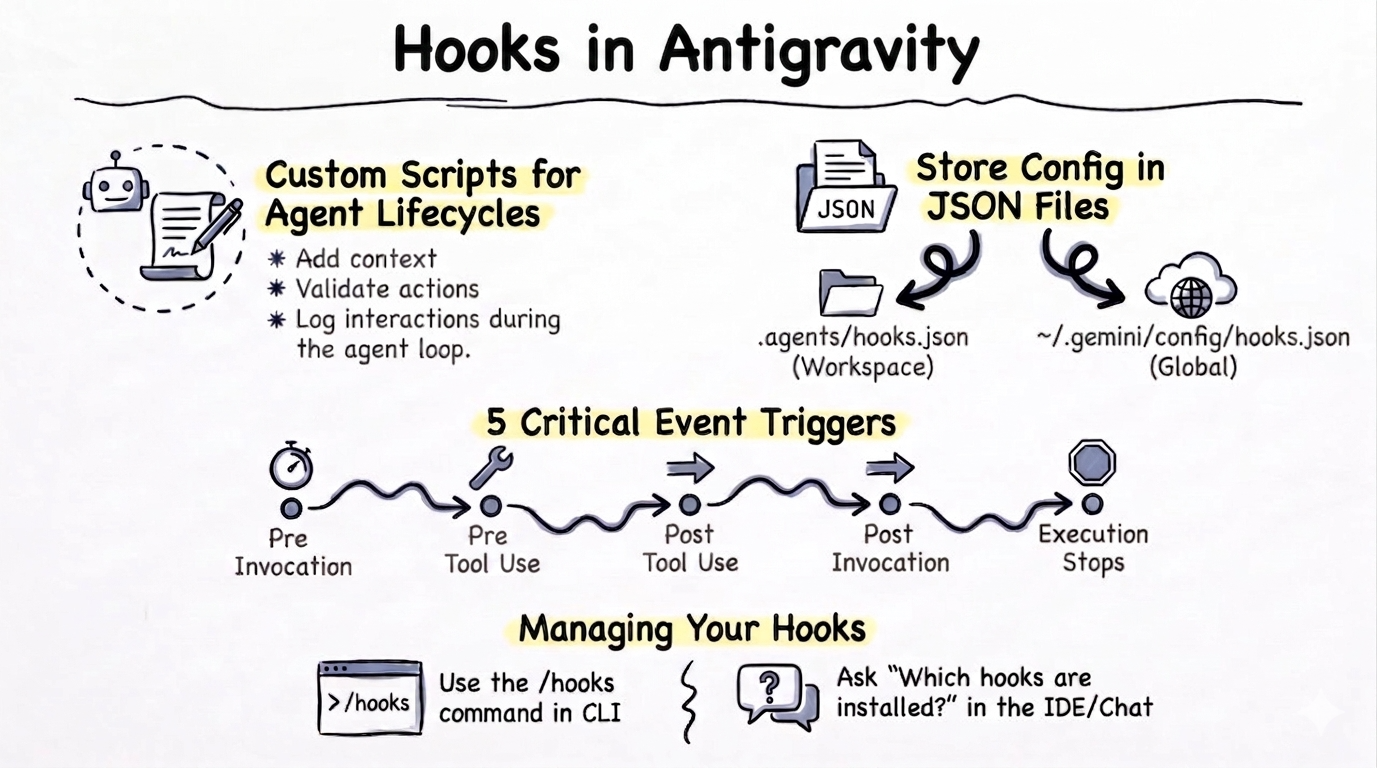
In real-world systems, we often need to hook into these steps for logging, guarding, caching, altering prompts or results, or dynamically changing behaviour based on session state. That’s exactly where callbacks come in. Think of callbacks as “checkpoints” in the agent’s lifecycle. The ADK framework automatically calls your functions at these key stages, giving you a chance to intervene.

Read More →

Vibe coding an AI Trivia Quest app with Google AI Studio

A few days ago, I saw Logan Kilpatrick’s Tweet about the new AI-first vibe coding experience in AI Studio:

Last time I tried AI Studio for vibe coding, it was mostly a single-page web application with all the code in a single file (which wasn’t ideal).

Read More →

Introducing Google Gen AI .NET SDK

Introducing Google Gen AI .NET SDK

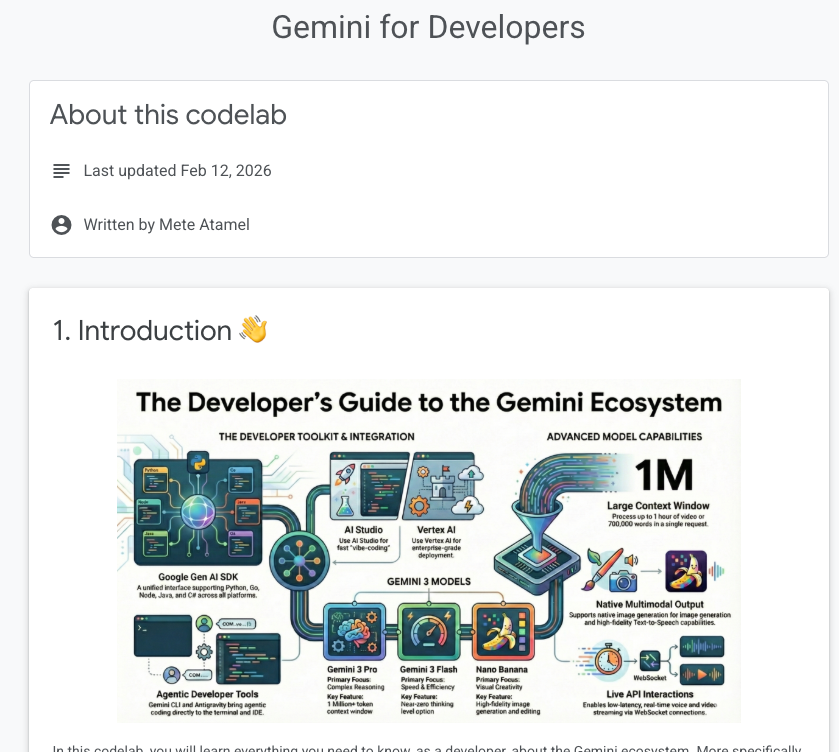
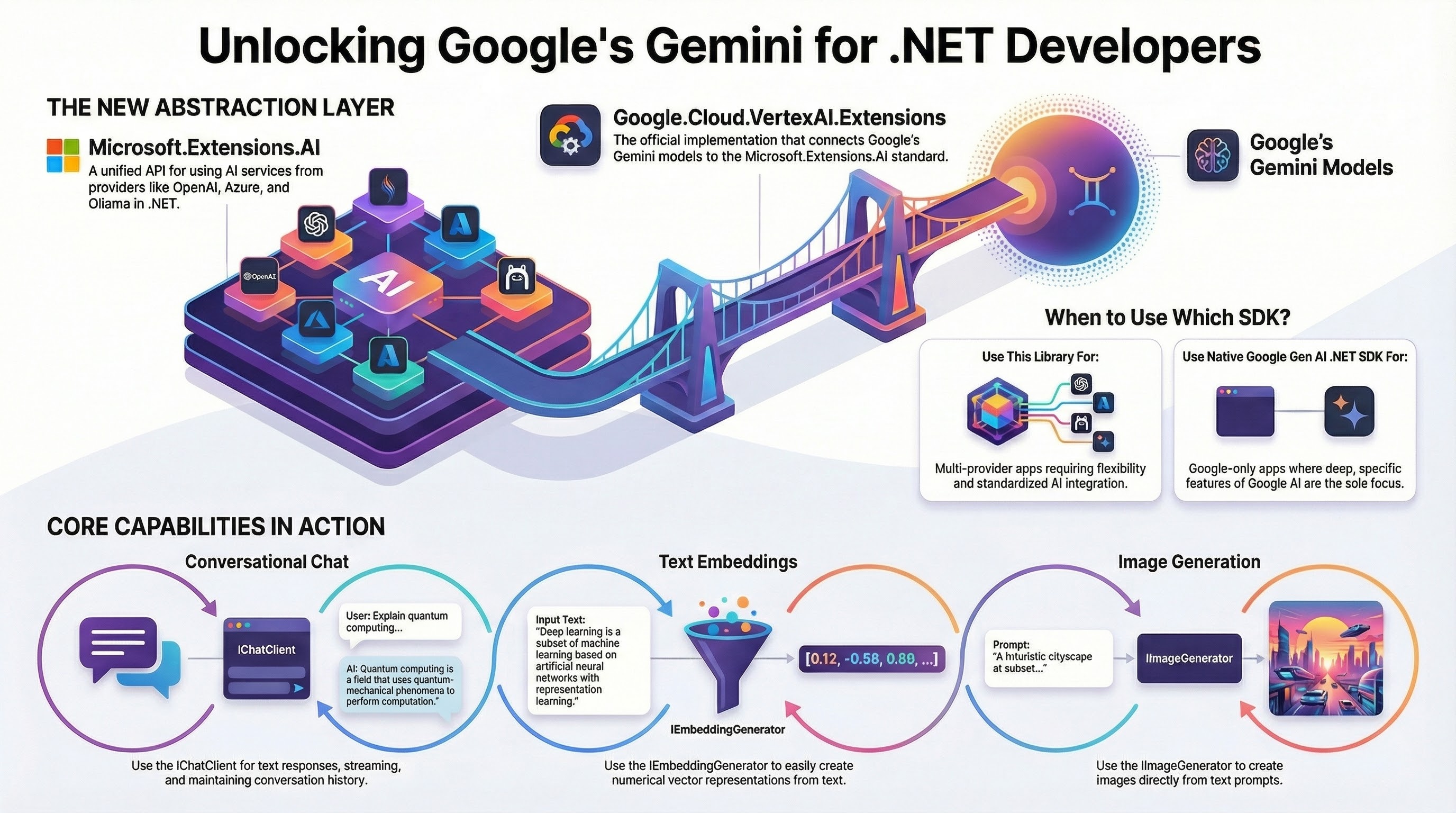
Last year, we announced the Google Gen AI SDK as the new unified library for Gemini on Google AI (via the Gemini Developer API) and Vertex AI (via the Vertex AI API). At the time, it was only a Python SDK. Since then, the team has been busy adding support for Go, Node.js, and Java but my favorite language, C#, was missing until now.

Read More ↗︎

Search Flights with Gemini Computer Use model

Earlier this month, the Gemini 2.5 Computer Use model was announced. This model is specialized in interacting with graphical user interfaces (UI). This is useful in scenarios where a structured API does not exist for the model to interact with (via function calling). Instead, you can use the Computer Use model to directly interact with user interfaces such as filling and submitting forms.

It’s important to note that the model does not interact with the UI directly. As input, the model receives the user request, a screenshot of the environment, and a history of recent actions. As output, it generates a function call representing a UI action such as clicking or typing (see the full list of supported UI actions). It’s the client-side code’s responsibility to execute the received action and the process continues in a loop:

Read More →

Secure your LLM apps with Google Cloud Model Armor

Model armor
Model armor

It’s crucial to secure inputs and outputs to and from your Large Language Model (LLM). Failure to do so can result in prompt injections, jailbreaking, sensitive information exposure, and more (as detailed in OWASP Top 10 for Large Language Model Applications).

I previously talked about LLM Guard and Vertex AI and showed how to use LLM Guard to secure LLMs. Google Cloud has its own service to secure LLMs: Model Armor. In this post, we’ll explore Model Armor and see how it can help to safeguard your LLM applications.

Read More →