ℹ️ Note
This post blog is part of a series, see Summary : Where does Antigravity look for configurations?
In my previous post, I explored where Antigravity (AGY) looks for agent skills. In this post, I’ll briefly explore the same for Model Context Protocol (MCP) servers and mention the MCP server caching that’s worth knowing about.
MCP Configuration
AGY docs on MCP: https://antigravity.google/docs/mcp
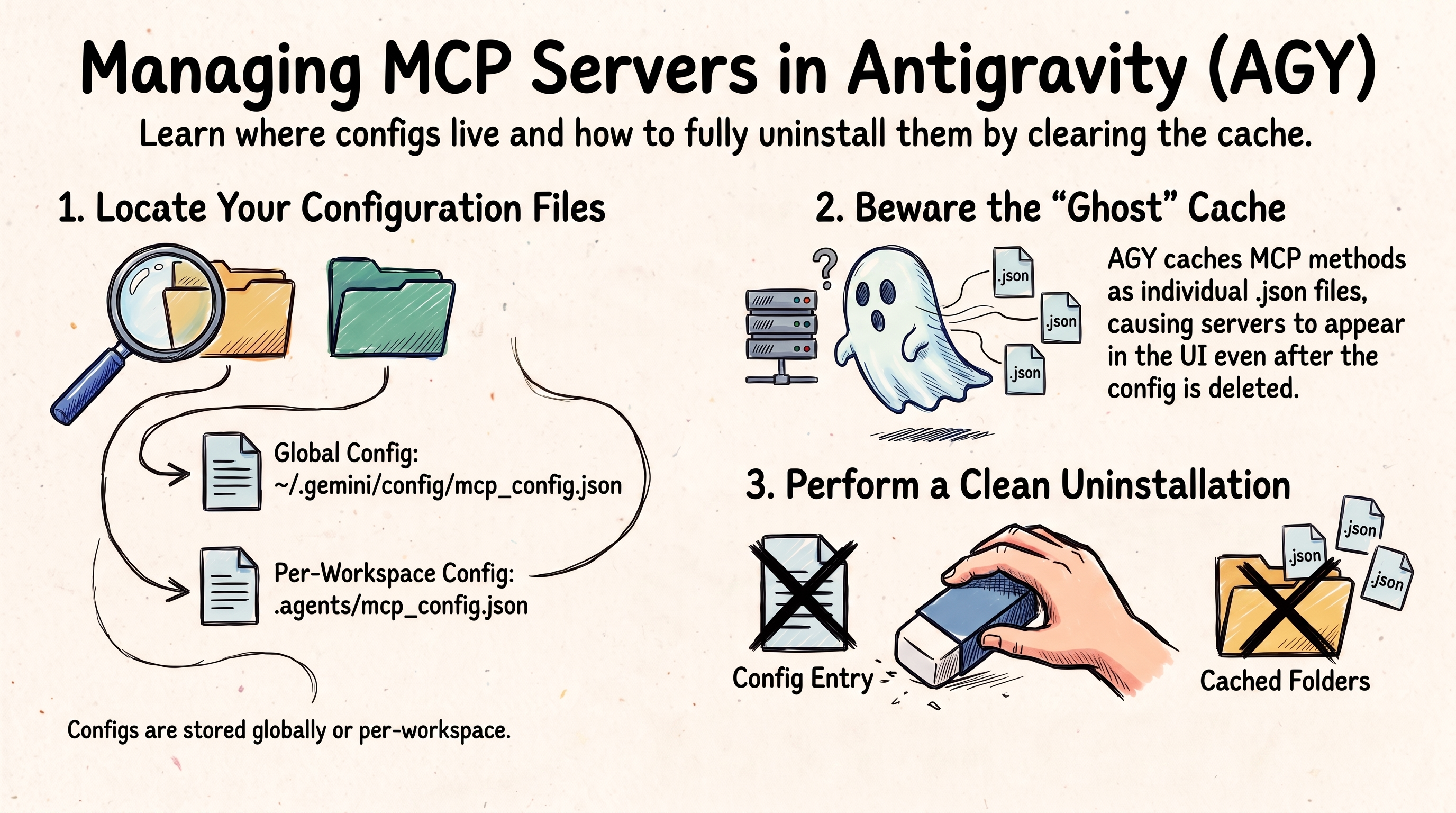
Thankfully, MCP server configuration is more straightforward than skills. There are two places for MCP configuration:
- Workspace:
.agents/mcp_config.json - Global:
~/.gemini/config/mcp_config.json
This applies to all three flavours: AGY, AGY CLI, and AGY IDE.
ℹ️ Plugin MCP Servers
MCP servers can be installed as part of a Plugin as well. This is covered in the Where does Antigravity look for Plugins?
MCP Server Caching
How to install MCP servers depends on the AGY flavour you’re using. I won’t cover MCP Server installation in detail here, you can check the docs for that.
In the end, you’ll have an entry in ~/.gemini/config/mcp_config.json (or
.agents/mcp_config.json if you want to restrict MCP servers to a specific
workspace manually).
Here’s an example for Cloud Run MCP Server:
{
  "mcpServers": {
    "cloudrun": {
      "command": "npx",
      "args": [
        "-y",
        "@google-cloud/cloud-run-mcp"
      ]
    }
  }
}
However, I want to mention about MCP server caching.
Once you have an MCP server installed, AGY, AGY IDE and AGY CLI cache it in various locations. For example, the Cloud Run MCP server is cached in these locations:
~/.gemini/antigravity/mcp/cloudrun
~/.gemini/antigravity-ide/mcp/cloudrun
~/.gemini/antigravity-cli/mcp/cloudrun
If you look into these folders, you’ll see a bunch of .json files. Each file
corresponds to an MCP method:
$ ls ~/.gemini/antigravity/mcp/cloudrun/
create_project.json         deploy_local_folder.json    list_projects.json
deploy_container_image.json get_service_log.json        list_services.json
deploy_file_contents.json   get_service.json
Why is this important? You’d think that you can uninstall an MCP server by simply removing it from the mcp configuration file. But that’s not enough. I found that AGY and AGY IDE still think the MCP server is installed and shows it in the UI and try to use it, even though it can’t. AGY CLI, on the other hand, detects the missing MCP server more quickly.
For that reason, if you want to uninstall a global or workspace level MCP server, make sure you also remove its cached locations.
Summary
Here’s a summary of where AGY saves MCP servers:
~/.gemini/                         # GLOBAL
├── config/
│   ├── mcp_config.json            # MCP servers
│   └── plugins/                   # Plugins
│       └── <plugin-name>/
│           └── mcp_config.json    # MCP servers (plugin)
│
├── antigravity/                   # AGY
│   └── mcp/                       # Cached MCP servers
│
├── antigravity-cli/               # AGY CLI
│   └── mcp/                       # Cached MCP servers
│
└── antigravity-ide/               # AGY IDE
    └── mcp/                       # Cached MCP servers

<workspace-root>/                  # WORKSPACE
└── .agents/
    ├── mcp_config.json            # MCP servers
    └── plugins/                   # Plugins
        └── <plugin-name>/
            └── mcp_config.json    # MCP servers (plugin)